Sprig
Private AI meeting notes, on your iPhone.
Recording, transcription, and note generation happen entirely on your device.
Download on the App Store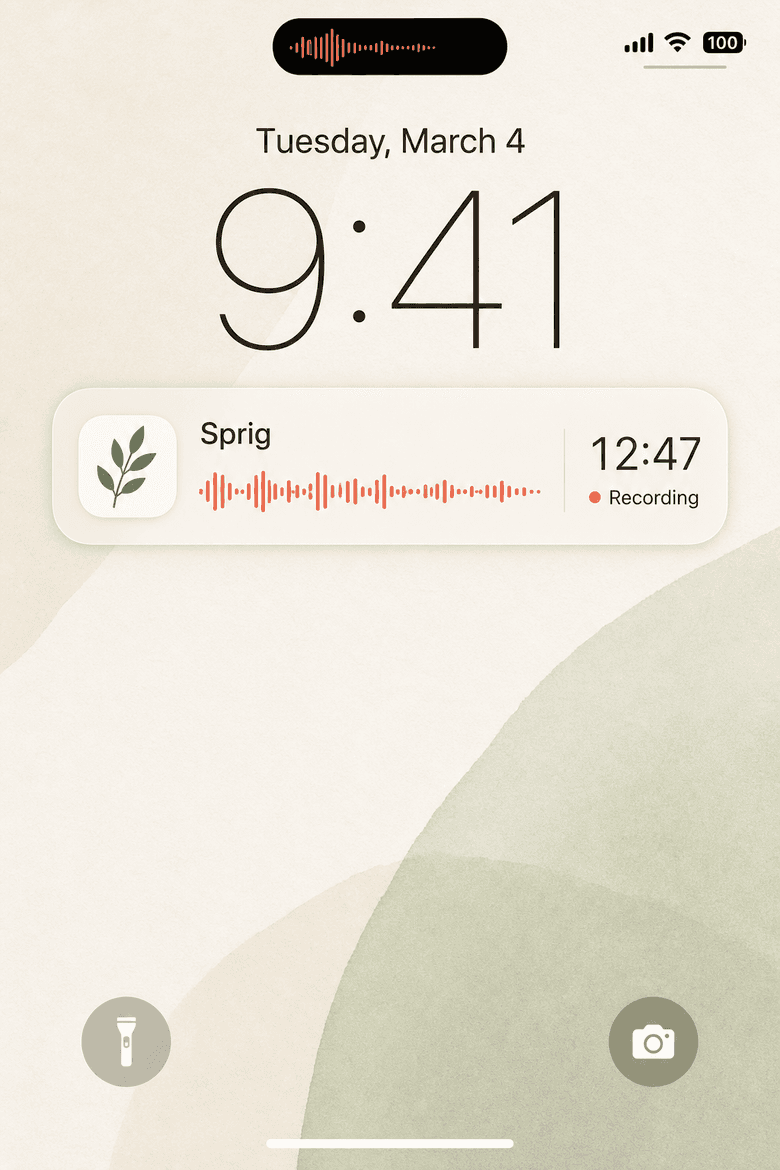
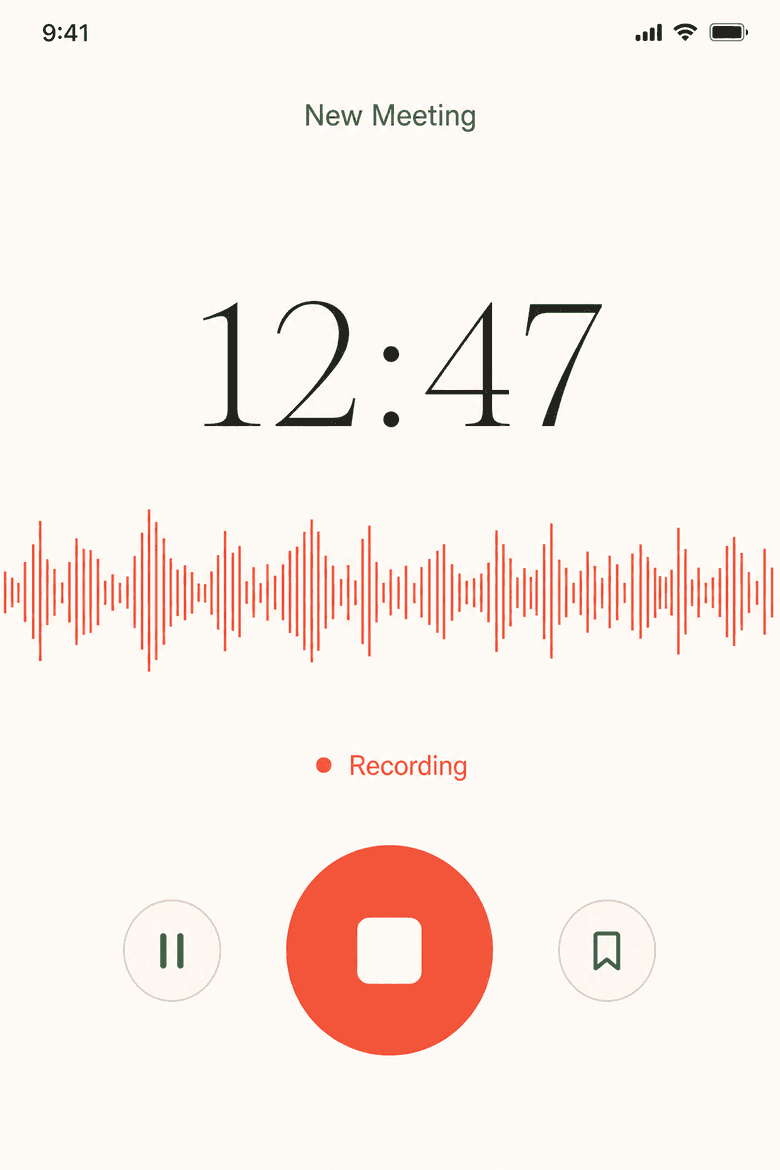
Three steps, and the third one is automatic.
1.Press record
Start from the app or the iPhone Action Button. Recording keeps going while your phone is locked.
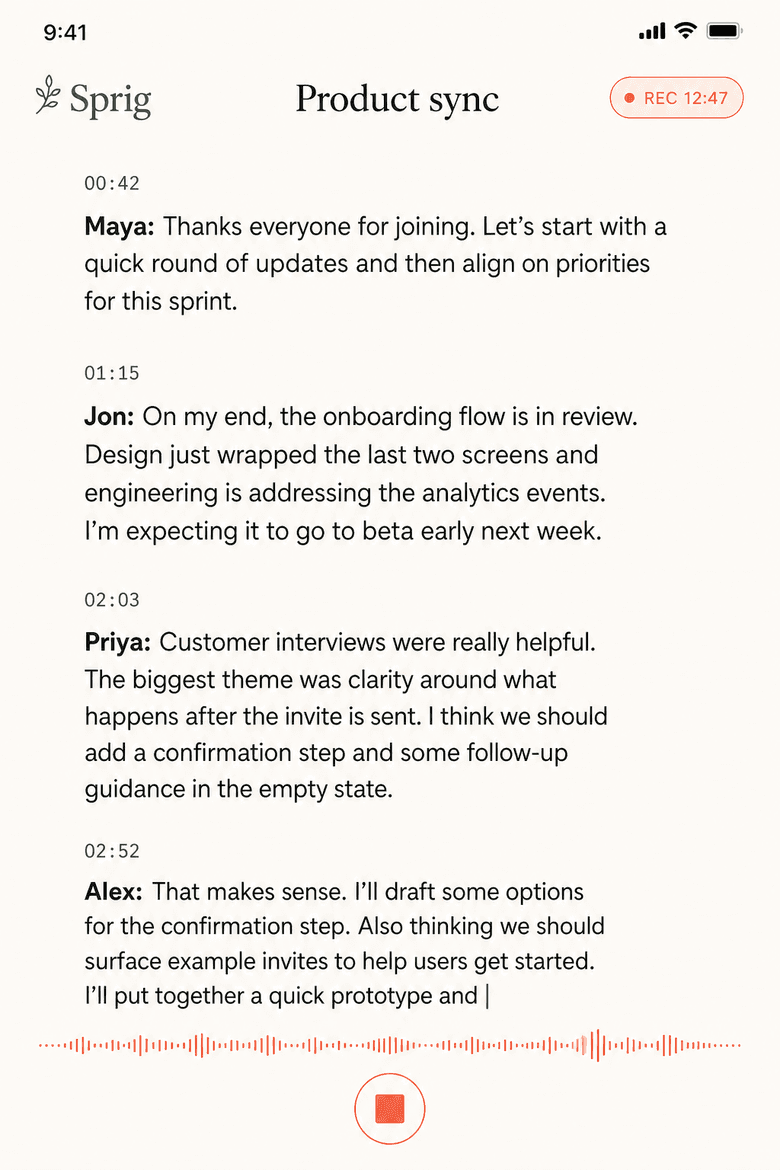
2.Follow the live transcript
Words appear as they are spoken, transcribed by your iPhone as the conversation unfolds.
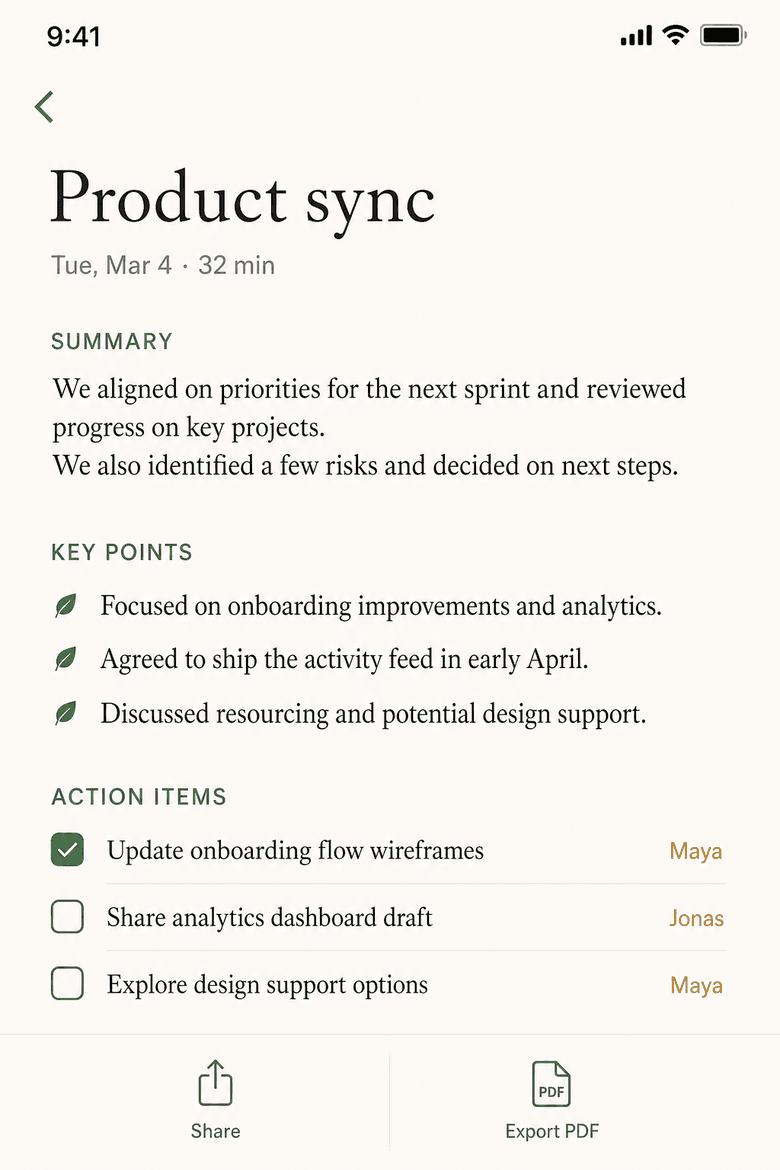
3.Get structured notes
A summary, key points, and action items are ready the moment the meeting ends.
Your meetings stay yours.
- Audio, transcripts, and notes stay on your iPhone
- Transcription and AI processing happen on-device
- No account required
- No advertising or behavioral tracking
The one honest exception
What you record, and everything Sprig writes from it, never leaves your device. Outside your phone, Apple and RevenueCat process anonymous purchase and subscription information when you subscribe to Sprig Pro, and PostHog may receive optional anonymous product analytics, crash data, and diagnostic data—never names, audio, transcripts, or notes. You can turn analytics off in Sprig’s Settings.
Read the full privacy policyBuilt for meetings, lectures, interviews, and appointments.
Any conversation worth remembering, kept on the phone already in your pocket.
Live on-device transcription
Speech becomes text in real time, processed entirely by your iPhone.
Structured AI notes
Every meeting ends with a summary, key points, and action items.
Action Button shortcut
Map Sprig to the Action Button and start recording in one press.
Background recording
Lock your phone, put it in your pocket. Sprig keeps listening.
Text and PDF sharing
Export any meeting as clean text or a formatted PDF.
Works offline
Record, transcribe, and generate notes with no connection at all.
Three meetings free. Then Sprig Pro.
Try Sprig on three full meetings, no account and no card. Sprig Pro unlocks unlimited meetings, and every subscription starts with a seven-day free trial.
Pro Monthly
$5 / month
Unlimited meetings, billed monthly. Starts with a seven-day free trial.
Pro Yearly
Two months free$50 / year
Unlimited meetings, billed once a year. Starts with a seven-day free trial.
Prices are approximate. Apple shows the final localized price before you subscribe, handles all billing, and lets you cancel anytime from Settings.
Download on the App StoreQuestions, answered plainly.
Where are recordings stored?
On your iPhone, in Sprig's local storage. Audio, transcripts, and notes never sync to a server, and Sprig does not operate one for your content.
Does Sprig upload my conversations?
No. Recording, transcription, and note generation all happen on your device. Outside your device, Apple and RevenueCat process anonymous purchase and subscription information, and PostHog may receive optional anonymous product analytics, crash data, and diagnostic data—never names, audio, transcripts, or notes. You can turn analytics off in Sprig's Settings.
Does it work offline?
Yes. Because everything runs on-device, you can record, transcribe, and generate notes in airplane mode. An internet connection is only needed to purchase or restore a subscription.
Which iPhones are supported?
Sprig relies on Apple's on-device speech and intelligence features, so it requires a recent iPhone running a current version of iOS. Exact device requirements are on the App Store listing.
How do subscriptions work?
Your first three meetings are free. Sprig Pro unlocks unlimited meetings with a monthly or yearly subscription, each starting with a seven-day free trial. Apple handles billing, so you can cancel anytime in Settings, then Subscriptions, and use Restore Purchases in Sprig's settings to bring Pro to a new device. Final localized pricing is always shown by Apple before you confirm.
How can I delete my data?
Swipe to delete any meeting inside Sprig, or delete the app to remove everything at once. Because your content only ever lives on your iPhone, there is nothing on a server to clean up.
How can I contact support?
Email support@sprignotes.app or visit the support page. A real person reads every message.